Most business owners start thinking about a redesign when the website starts to feel embarrassing: it looks dated, it is hard to use on a phone, or nobody on the team can update it. The risk is that a redesign done in a hurry can quietly break the things that were working, such as pages that rank in Google, forms that bring in leads and links other websites point to.
This checklist is the process I follow on every WordPress website redesign. It is written for owners of small and service businesses, not developers, so you can use it to plan your own project or to check that whoever you hire is covering the important steps.
Refresh, redesign or rebuild: which one do you need?
These three words get used interchangeably, but they describe different amounts of work. Choosing the right one is the most important decision in the whole project.
- Refresh: the structure and pages stay the same; you update colors, fonts, images and some sections. Good when the site works but looks tired.
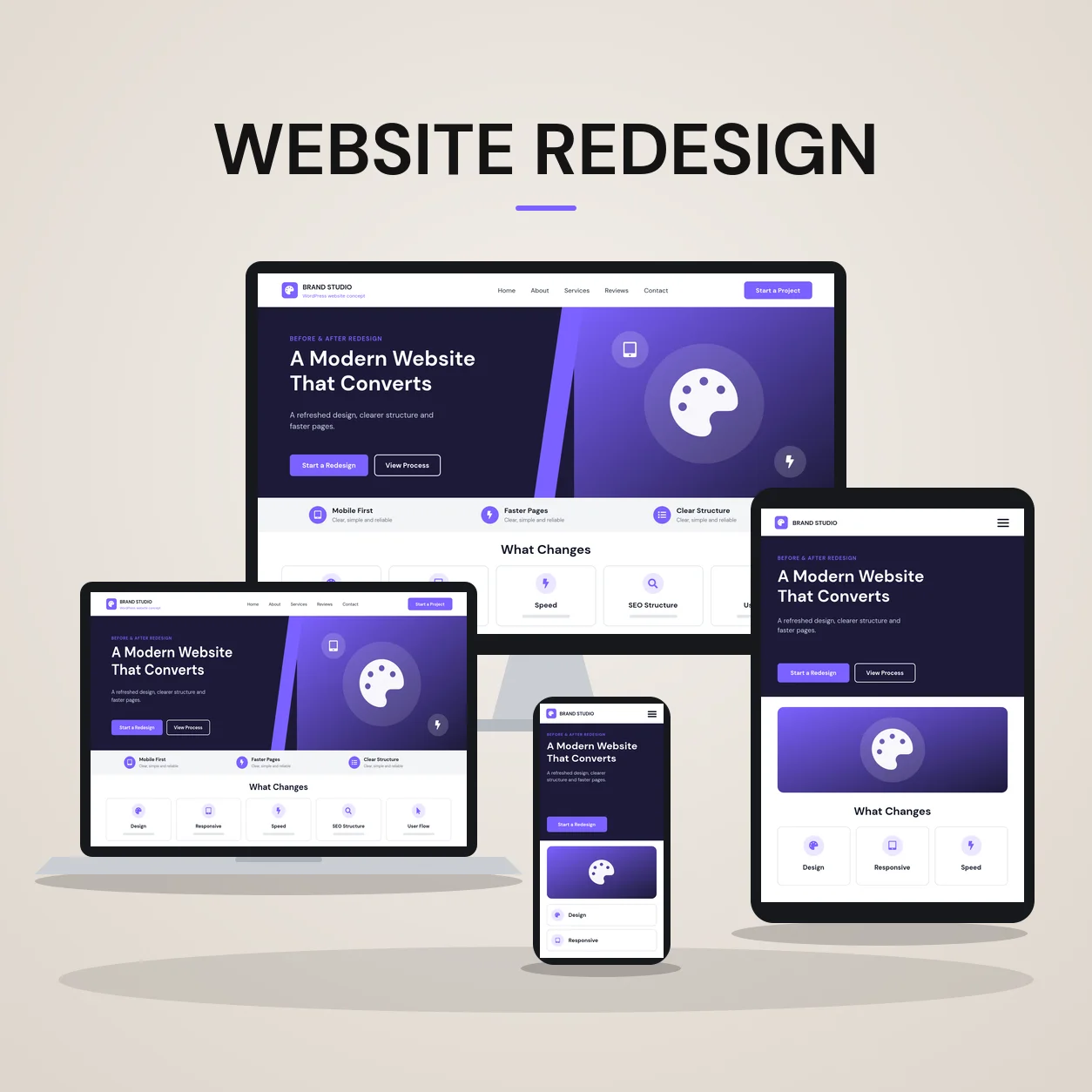
- Redesign: the visual design and page layouts change, and some pages are reorganized, but the platform and most content stay. Good when the site is hard to use or no longer matches how you sell.
- Rebuild: the site is built again from the ground up, often with a new page structure, new templates or a move into WordPress from another platform. Good when the site is broken, impossible to edit or built on something you cannot maintain.
Ongoing maintenance, such as updates, backups and small fixes, is not a redesign at all. If your site is fundamentally sound, regular maintenance and a few focused improvements may be the better investment.
Step 1: Write down why you are redesigning
Before anyone opens a design tool, list the specific problems you want to solve. “Looks old” is a start, but “visitors on phones cannot find our phone number” or “we added two services and they have no pages” is something you can design for and check after launch. Pick the two or three outcomes that matter most, usually more calls, more quote requests or less time spent editing the site.
Step 2: Audit what the current site already does well
This is the step most redesigns skip. Before changing anything, record:
- Every URL on the site. Your XML sitemap or a crawler gives you the list.
- Pages that get search traffic. In Google Search Console, export the pages and queries with clicks and impressions for the last 12 months.
- Pages that bring leads. In Google Analytics 4, check which landing pages lead to form submissions, calls or bookings.
- Pages other websites link to. A backlink tool will show which URLs have external links pointing at them.
- Forms, integrations and tracking. Contact forms, booking tools, chat widgets, analytics tags and anything else connected to the site.
Anything on this list needs a plan. Either it stays at the same URL, or it moves with a redirect.
Step 3: Plan the new page structure
Use the audit to decide the new sitemap. For most service businesses that means one page per main service, clear pages for the areas or industries you serve, proof pages such as a portfolio or case studies, and a contact page that is easy to reach from everywhere. Keep URLs that already rank wherever you can. Changing a URL is not a disaster, but every change needs a reason and a redirect.
Step 4: Build a redirect map
A redirect map is a simple two-column list: old URL on the left, new URL on the right. Every old URL that will not exist after launch gets a 301 redirect to its closest new equivalent, not just to the homepage. In WordPress this can be handled with an SEO plugin such as Yoast SEO Premium or a dedicated redirect plugin. Test the map before launch so you are not fixing broken links with real visitors on the site.
Step 5: Design the key templates first
You do not need a unique design for every page. Design the templates that do the most work: the homepage, a service page, a portfolio or case study page and the contact page. In Elementor Pro, these become global styles, theme builder templates and reusable sections, which keeps the whole site consistent and makes future pages faster to add.
Step 6: Rewrite content for the customer, not the company
A redesign is the best time to fix content. Each service page should answer the questions a customer has before they contact you: what exactly you do, who it is for, where you work, what the process looks like and how to get in touch. Keep the parts of existing pages that already rank, and improve them rather than replacing them with shorter, more “designed” copy.
Step 7: Build on a staging site
Never redesign a live website in place. A staging site is a private copy where the new design is built and tested without affecting visitors or search engines. Make sure the staging site is blocked from indexing, and remember to remove that block when you launch.
Step 8: Run a pre-launch QA checklist
- Every page checked on desktop, tablet and phone
- Every form submitted, with the notification email actually received
- Phone numbers, WhatsApp and booking links tested on a real phone
- All redirects tested from the redirect map
- Page titles, meta descriptions and headings carried over or improved
- Images compressed and given descriptive alt text
- Analytics and Search Console verification in place
- “Discourage search engines” setting turned off and no stray noindex tags
Step 9: Launch, then watch Search Console
After launch, submit the XML sitemap in Google Search Console and use URL Inspection to request indexing for the most important pages. For the next few weeks, check the Pages report for unexpected “not found” or “excluded” URLs, and compare clicks and impressions with your pre-launch export. Small fluctuations are normal; a sharp drop on a specific page usually points to a missing redirect or a removed section of content.
Common WordPress redesign mistakes
- Launching without a redirect map, so old links and rankings point to error pages
- Leaving noindex settings from staging switched on after launch
- Replacing detailed service pages with short, image-heavy versions
- Forgetting to reconnect forms, tracking or email notifications
- Choosing a theme demo first and forcing the business into it
How long does a WordPress redesign take?
It depends on the number of pages, how much content needs rewriting and how quickly feedback comes back. A small service business site is usually a matter of weeks rather than months. The audit and planning steps above are what keep the timeline predictable, because they surface surprises before design starts.
Want a second opinion on your redesign?
If you are planning a redesign and want to know whether you need a refresh, a redesign or a full rebuild, send me your current website. I will reply with a recommended page structure and next steps. You can also see how I handled a real project in the website redesign case study or read more about my WordPress website redesign service.
About the author
Md Saiful Islam is a Certified WordPress Web Designer and developer who builds custom WordPress websites from scratch for US small businesses, home service companies and professional practices, with 1,800+ clients and 2,000+ projects delivered. He is Top Rated on Upwork with a 100% Job Success Score. See his portfolio, read the case studies or learn more about Md Saiful Islam.
Signs you need a new website
- The site is hard to use on a phone or loads slowly.
- It looks dated next to competitors that customers compare you with.
- Services, team or prices on the site are out of date because changes need a developer.
- Visitors arrive but rarely call or fill in the form.
- The site cannot support something the business now needs, such as booking, more service pages or an online store.
- Security warnings, broken features or plugins that can no longer be updated.
How often should you redesign your website?
There is no fixed schedule. Many business websites need a full redesign every few years, but the better trigger is evidence: the signs above, a change in what the business sells, or a site that no longer supports growth. Between redesigns, regular maintenance and small content updates keep the site useful for longer.
Need a website built or rebuilt?
I design and build custom WordPress websites for US businesses, with Elementor Pro, from the first page plan to launch.
Send Project DetailsBook a Free ConsultationSee live client websites