Most people who need a lawyer start with a search, then judge a firm by its website in a few seconds. For a solo attorney or small firm, the website does not need to be large. It needs to answer the questions a prospective client has before they call, and make that call easy.
This checklist is how I plan law firm websites for small firms. It covers structure, content and the details that turn a visitor into a consultation request. It is not legal or compliance advice; your attorneys and your state bar rules decide what you can publish.
1. A homepage that says who you help
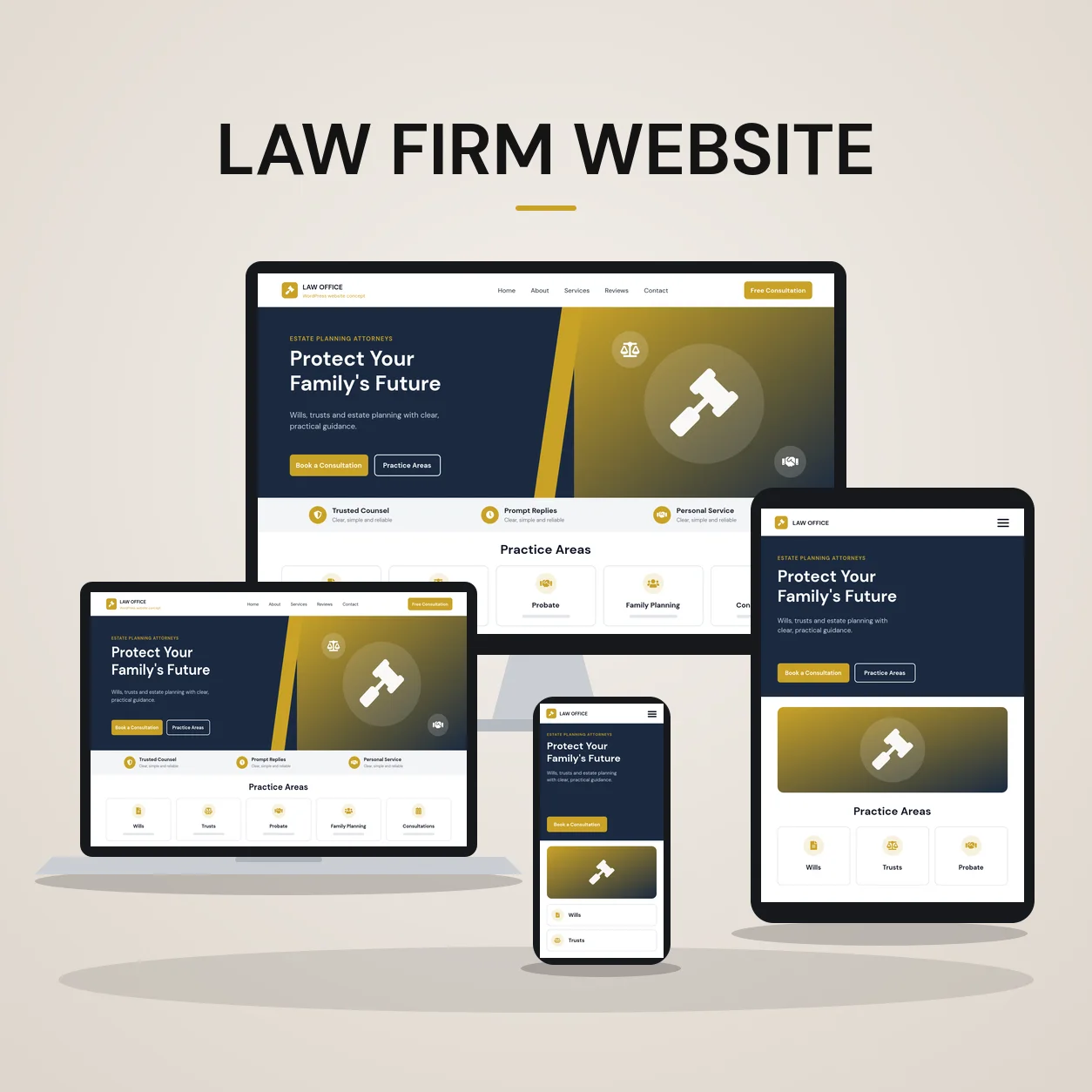
The first screen should state your practice areas, where you practice and how to get in touch. “Estate planning and probate attorneys serving [your county]” tells a visitor more than “Experienced, trusted, dedicated”. Put the phone number and a consultation button where they are visible on a phone without scrolling.
2. One page for each practice area
A single “Practice Areas” page listing everything you do is hard to read and hard to rank. Give each practice area its own page that explains:
- who the service is for and the situations you typically handle
- what the process looks like, in plain language
- what a client should bring to a first consultation
- common questions, answered briefly
- a clear next step, such as a consultation request
These pages are also where most search traffic lands, because people search for the problem they have, not for your firm name.
3. Attorney profiles with real credentials
Clients hire people. Each attorney profile should include a professional photo, education, bar admissions, years and type of experience, memberships and a short paragraph in the attorney’s own voice. Link each profile from the practice areas that attorney handles.
4. A consultation path that is short and visible
Ask only for what you need to respond and to check for conflicts: name, contact details, the type of matter and a short description. Long intake forms belong after the first conversation. Offer a booking link if you use one, and repeat the call to action at natural points on every page, not only at the bottom.
5. Disclaimers and compliance where they belong
Most firms need an attorney advertising disclaimer, a privacy notice and a note that contacting the firm does not create an attorney-client relationship. Requirements vary by state, so have your compliance contact confirm the wording. On the website, these should be easy to find without dominating every page.
6. Reviews and results, only if your rules allow
Client reviews and case results can build trust, but many state bars regulate how they are presented. Use genuine reviews from platforms you can link to, add any required disclaimers, and never publish anything you cannot substantiate.
7. Mobile speed and accessibility
Many first visits happen on a phone, often under stress. Pages should load quickly, use readable font sizes and contrast, and keep tap targets large. A clean heading structure helps both screen readers and search engines understand the page.
8. A resources section you can actually maintain
Short, practical articles answering real client questions, such as what happens after someone dies without a will in your state, support your practice area pages and give you something useful to share. One well-written article a month is better than a burst of generic posts.
9. Local signals
Show your office address, hours and service area consistently on the site and on your Google Business Profile. If you serve several counties or cities, mention them where it is genuinely true rather than creating thin location pages.
10. A site your team can update
Attorneys join, practice areas change and bar rules get updated. The website should let your team edit bios, practice pages and articles without a developer for every change. In WordPress this means reusable templates and a clear editing setup, whether the site is built with Elementor Pro or another builder your team prefers.
Quick checklist
- Homepage states practice areas, location and contact in the first screen
- One page per practice area with process, FAQs and a next step
- Attorney profiles with education, bar admissions and experience
- Short consultation form and booking option on every page
- Disclaimers and privacy notice confirmed by your compliance contact
- Reviews and results presented within your bar rules
- Fast, readable mobile pages
- A resources section with genuinely useful articles
- Consistent address and service area details
- Templates your team can edit
Planning a new law firm website?
See how I approach law firm website design, read the estate planning law firm website case study, or send me your current website and practice areas and I will reply with a recommended page structure and next steps.
About the author
Md Saiful Islam is a Certified WordPress Web Designer and developer who builds custom WordPress websites from scratch for US small businesses and professional practices, with 1,800+ clients and 2,000+ projects delivered. See his portfolio, read the case studies or learn more about Md Saiful Islam.
Need a website built or rebuilt?
I design and build custom WordPress websites for US businesses, with Elementor Pro, from the first page plan to launch.
Send Project DetailsBook a Free ConsultationSee live client websites