
Home / Web Design / Elementor Website Design
Elementor Website Design
Elementor Pro Development for Flexible, Consistent WordPress Sites
Theme builder headers and footers, global design tokens, reusable templates and dynamic content — Elementor used properly, not as a pile of one-off page layouts.
Overview
What This Service Covers
Elementor Pro is powerful, but its flexibility is also how sites get into trouble. When every page is styled by hand, colors drift, spacing becomes inconsistent, and the page weight climbs until mobile performance suffers.
I build Elementor sites with a system: global colors and fonts, a defined spacing and type scale, theme builder templates for headers, footers and archives, and saved section templates reused across pages. Changing a brand color becomes one edit instead of forty.
Challenges
Common Elementor Issues I Fix
- Inline styling on every widget instead of global settings, so the design drifts page by page
- Duplicated sections that all need editing whenever something changes
- Heavy pages with oversized images and unnecessary widgets slowing mobile load
- Broken layouts at tablet width because breakpoints were never checked
Approach
System-First Elementor Work
I start by configuring global site settings — color palette, typography scale, button styles, container widths and default spacing — so every widget inherits the brand rather than overriding it.
From there, theme builder handles the repeating chrome: header, footer, blog archive, single post and any dynamic listing. Page-level work is then composition, not restyling, which keeps the site consistent and quick to extend.
Benefits
Benefits of a Systematized Elementor Build
One change, site-wide
Global colors and typography mean brand updates take minutes, not days.
Consistent spacing
A defined spacing scale keeps sections visually aligned across every page.
Faster new pages
Saved templates let you add a new service page in an afternoon.
Lighter pages
Fewer widgets, optimized images and trimmed plugins improve mobile load.
Dynamic content
Loop grids and dynamic tags pull posts, projects or products automatically.
Cleaner handover
Named templates and clear structure make the site easy for the next editor.
Included
What Elementor Pro Development Covers
- Global color palette, typography scale and button system
- Blog archive, single post and category templates
- Popup builder for inquiry forms and announcements
- Custom CSS only where the builder cannot do it cleanly
- Theme builder header and footer with sticky and mobile variants
- Loop grids and dynamic tags for repeatable content
- Elementor form integration with email and CRM endpoints
- Responsive tuning across every defined breakpoint
Who It's For
Best Suited To
- Businesses already on Elementor whose site has become inconsistent
- Sites that need dynamic listings for projects, posts or locations
- Anyone migrating from a rigid theme to a flexible builder setup
- Owners who want to add pages themselves without breaking the design
- Agencies looking for a dependable Elementor implementer
Use Cases
Where This Fits
Design system rebuild
Convert an inconsistent Elementor site into global styles and reusable templates.
Theme builder rollout
Replace theme-locked headers, footers and blog layouts with editable templates.
Dynamic content setup
Automate portfolio, blog or location listings with loop grids and custom fields.
Process
How the Work Runs
Audit
I review the current build: global settings, template use, plugin load and page weight.
Design tokens
Colors, typography, spacing and button states defined and applied globally.
Template build
Header, footer, archives and reusable sections built in theme builder.
Page assembly
Pages rebuilt from templates so structure stays consistent throughout.
Performance pass
Image optimization, widget cleanup and caching configuration.
Documentation
A short guide covering which template controls what, and how to edit safely.
Tools
Stack
- Elementor Pro
- ACF for custom fields
- Caching and optimization plugins
- Hello Elementor or a lightweight base theme
- WordPress core block editor where suitable
Why Work With Me
Why Clients Choose Me for Elementor Work
- Daily Elementor Pro work across 46+ delivered projects
- Systems-first approach that keeps sites maintainable long-term
- Clear documentation at handover
- Top Rated on Upwork with a 100% Job Success Score
- Careful responsive testing at every breakpoint
Portfolio
Recent Elementor Pro Projects
Recent WordPress websites designed and built in Elementor Pro. Need a complete site planned from scratch? See custom WordPress website design.

eCommerce Website
— WooCommerce store structure
— Product and category layouts
— Responsive Elementor Pro design
— Cart and checkout user flow
Services / Skills
Technologies
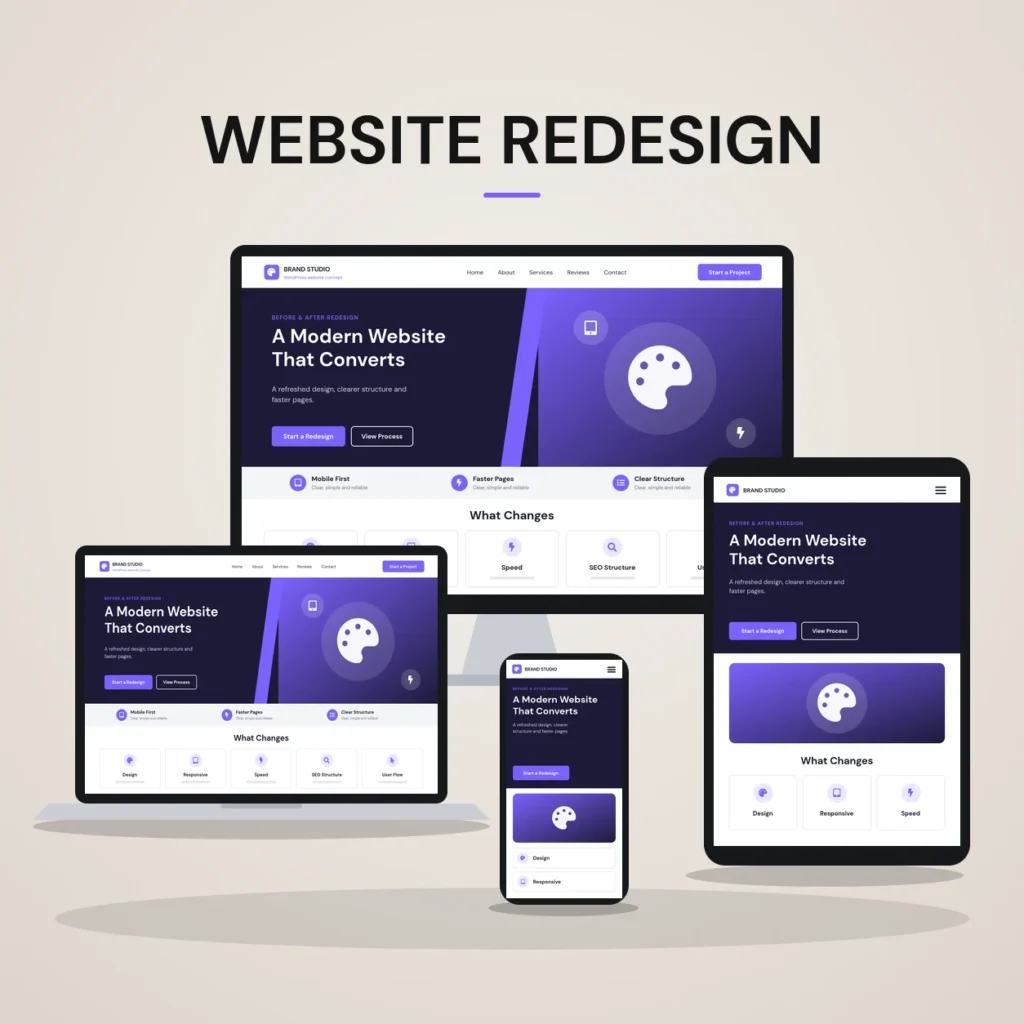
Website Redesign
— Website structure redesign
— Reusable Elementor Pro sections
— Responsive layout improvements
— Conversion-focused inquiry flow
Services / Skills
Technologies

Medical Services Website
— Medical service page structure
— Clear healthcare information hierarchy
— Responsive Elementor Pro layouts
— Contact and inquiry flow
Services / Skills
Technologies
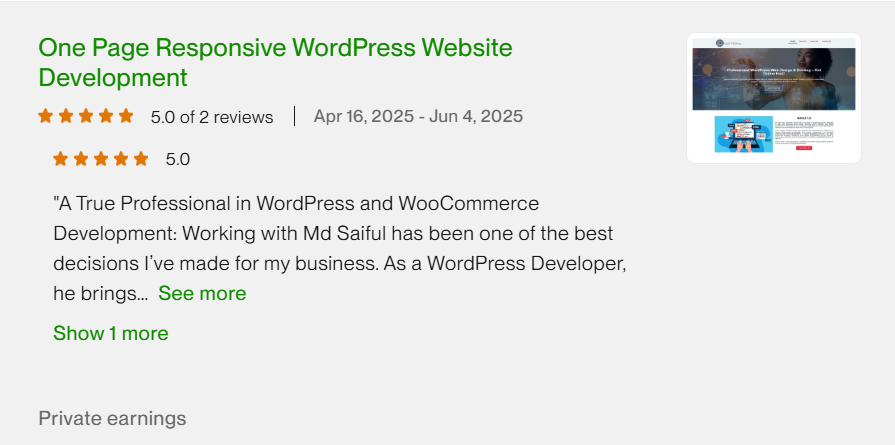
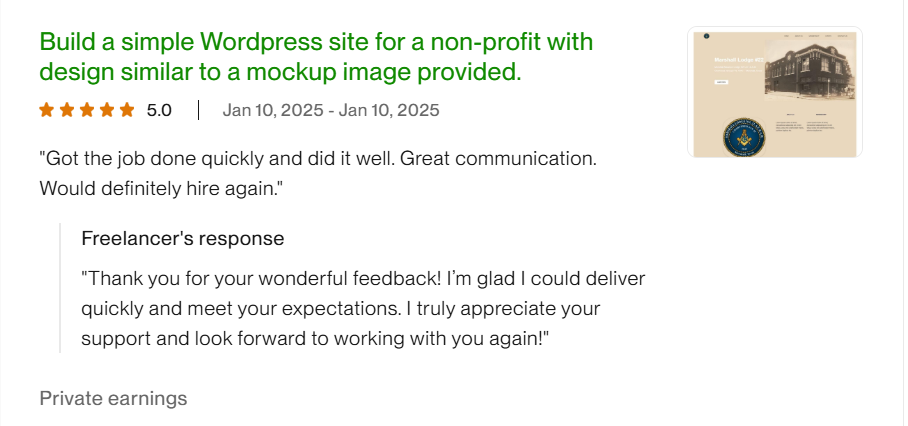
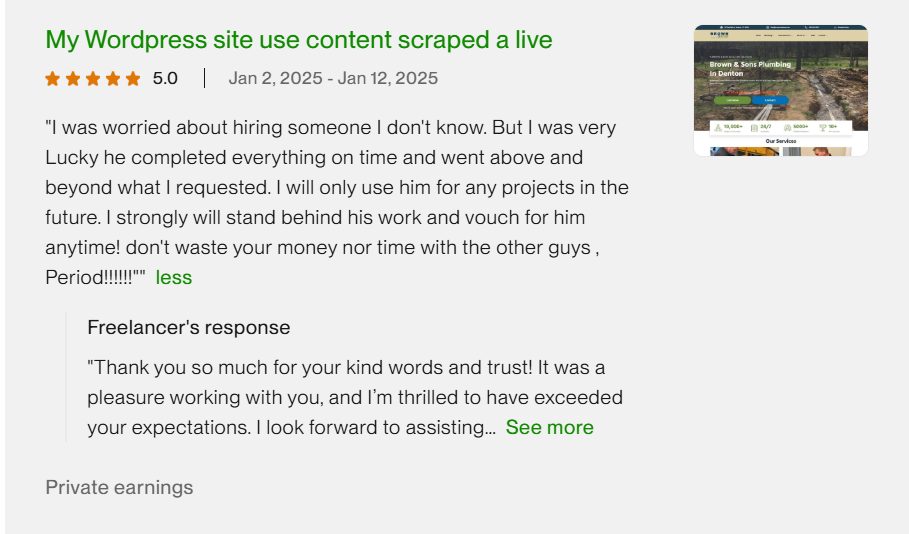
Hear from My Clients – Real Results, Real Success
Hear directly from my clients about their experience working with me and how my WordPress solutions helped improve their online presence and business goals.
Discover what clients say about my website design process, communication, and the quality of solutions delivered for their businesses.
Upwork Client's Feedback





FAQ
Frequently Asked Questions
Do I need an Elementor Pro license?
Yes, theme builder, popups and form integrations are Pro features. The license stays in your name so you keep control of renewals and updates.
Can you fix an existing Elementor site instead of rebuilding?
Often yes. I audit the build first and tell you honestly whether a systematic cleanup or a rebuild gives better value.
Does Elementor slow a website down?
It can when it is used carelessly. With global styles, lean widget use, optimized images and caching, Elementor sites perform well on mobile.
Will I be able to add pages myself?
That is the goal. Saved templates mean you duplicate a proven layout and change the content rather than designing from scratch.
Do you write custom CSS?
Only where the builder cannot achieve something cleanly, and it is documented so future editors know where it lives.
Do you use Elementor template kits?
No. I don't import Elementor template kits or theme demos. Each section is designed for your site and saved as a reusable template, so new pages stay consistent with the rest of the site.
How much does an Elementor Pro website cost?
It depends on the number of pages, the features you need and how much content is ready. After a free consultation, I send a quote based on your page plan, with no obligation.
Explore
Related Services
WordPress Website Design
Full site builds from structure and content through to launch.
Figma to WordPress
Pixel-accurate conversion of your design files into Elementor.
Landing Page Design
Focused campaign pages built on the same design system.
Not sure which service you need?
Describe your situation in a message and I'll recommend the shortest route to more inquiries — even if that means doing less than you expected.