
Home / Web Design / WordPress Website Maintenance
WordPress Maintenance Services
WordPress Website Maintenance for Business Websites
Updates, backups, security checks and Elementor Pro support from the developer who builds WordPress websites, so your site keeps working and your team can focus on the business.
Overview
WordPress Maintenance Services
A WordPress website is never finished on launch day. WordPress core, your theme and every plugin release updates through the year, and each one can fix a security issue, add a feature or occasionally break something. Without regular maintenance, small problems build up until a form stops sending, a layout breaks after an update or the site is hacked.
My WordPress website maintenance service covers the routine work that keeps a business website healthy: updates applied carefully, backups you can restore, security and performance checks, and fixes when something stops working. Because I build sites in Elementor and Elementor Pro, I also handle the design and content changes most owners need from month to month.
Maintenance works for sites I built and for existing WordPress websites built by someone else. If your site needs more than maintenance, see WordPress website redesign or website migration to WordPress.
Prefer to handle it yourself? Use my WordPress website maintenance checklist.
Challenges
Signs Your Website Needs Maintenance
- Plugins, theme or WordPress core show available updates
- A contact form stopped sending or a page layout broke
- You have no recent backup you could restore
- Small content changes wait weeks because nobody owns the website
Approach
How I Maintain a WordPress Website
Work starts with a review of the current site: WordPress, theme and plugin versions, existing backups, hosting, forms and any errors already showing. That review becomes the maintenance checklist for your site.
Updates are applied with a backup taken first, then key pages, forms and Elementor layouts are checked afterwards. If an update causes a problem, it is rolled back or fixed before it affects visitors.
Alongside updates, I look for broken links, form problems, slow pages and security warnings, and I handle the content and design changes you send me. Anything outside routine maintenance, such as new pages or features, is quoted separately before work starts.
Benefits
What Maintenance Gives You
Updated software
WordPress core, theme and plugins kept current and checked after each update.
Restorable backups
Backups taken before changes so the site can be restored if needed.
Security checks
Security warnings, suspicious users and outdated plugins reviewed.
Working forms
Contact and quote forms tested so inquiries keep arriving.
Elementor support
Elementor and Elementor Pro layout issues fixed and pages updated.
One point of contact
A WordPress developer you can send fixes and changes to.
Included
What's Included
- WordPress core, theme and plugin updates
- Backup before updates and changes
- Checks of key pages and Elementor layouts after updates
- Security review: warnings, users and outdated plugins
- Contact and quote form testing
- Broken link and error checks
- Basic speed checks of key pages
- Small content and design updates
- Summary of the work done
Who It's For
Who WordPress Maintenance Is For
- Small businesses with a WordPress website
- Service businesses that rely on contact forms
- Sites built with Elementor or Elementor Pro
- Owners whose original developer is no longer available
- Sites recently built, redesigned or migrated to WordPress
- Teams without an in-house WordPress developer
Use Cases
Typical Maintenance Work
Routine care
Updates, backups and checks on a regular schedule.
Fixes and troubleshooting
Broken layouts, errors, form issues and plugin conflicts.
Content and design updates
New text, images, sections and small page changes in Elementor.
Process
How It Works
Site review
Versions, backups, hosting, forms and existing errors checked.
Maintenance plan
Agree what is checked, how often, and how you send requests.
Backup first
A backup is taken before updates or changes.
Update and test
Updates applied, key pages and forms tested afterwards.
Fix and improve
Issues fixed and requested changes made.
Report
A short summary of what was updated, checked and fixed.
Tools
WordPress Maintenance Tools
- WordPress
- Elementor and Elementor Pro
- Astra or Hello Elementor theme
- Your backup or hosting backup tool
- Yoast SEO
- Google Search Console
- Google Analytics 4
Why Work With Me
Why Trust Me With Your WordPress Site
- Certified WordPress Web Designer and Developer
- 1,800+ clients and 2,000+ projects delivered
- Top Rated on Upwork with a 100% Job Success Score
- Daily work in WordPress, Elementor and Elementor Pro
- Backups taken before changes
- Clear scope: routine work vs. quoted extra work
Portfolio
WordPress Sites I Have Built
These are custom WordPress websites built in Elementor Pro, the same stack I maintain. Need a new site instead? See custom WordPress website design.
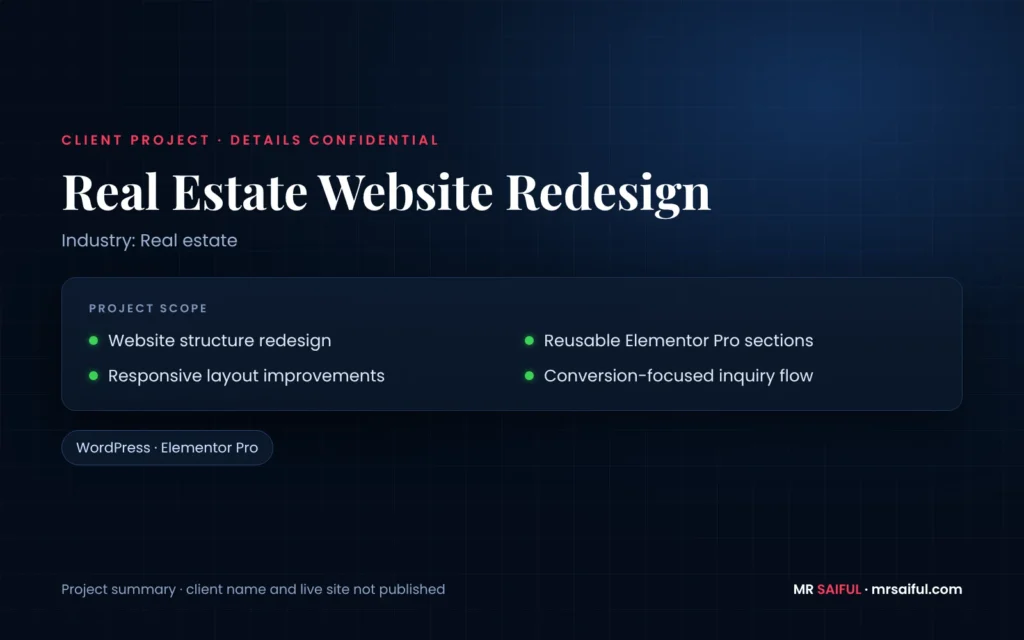
Client project · details confidential
Website Redesign
— Website structure redesign
— Reusable Elementor Pro sections
— Responsive layout improvements
— Conversion-focused inquiry flow
Services / Skills
Technologies
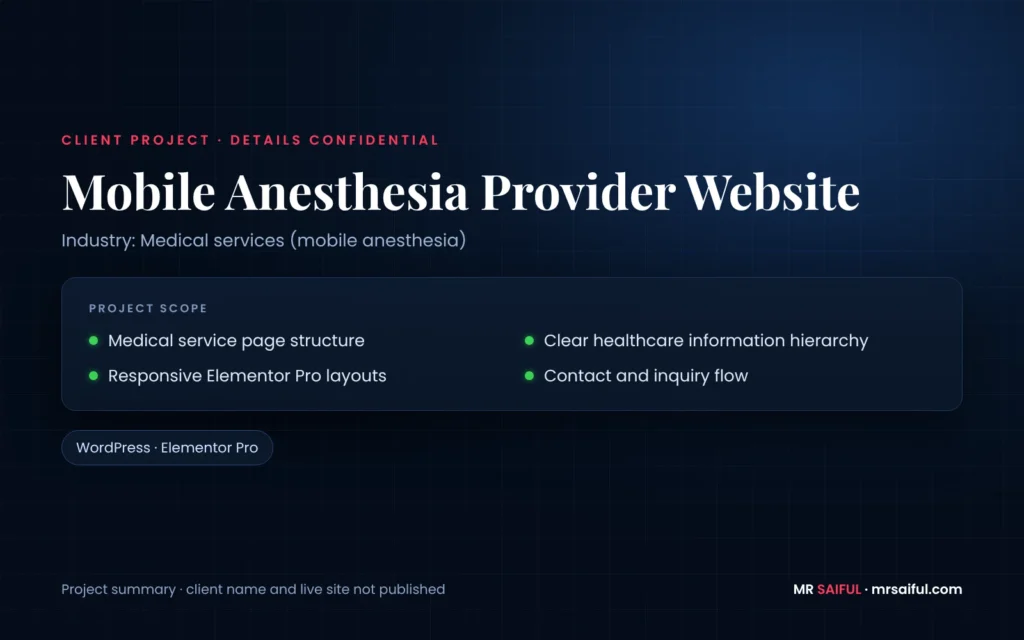
Client project · details confidential
Medical Services Website
— Medical service page structure
— Clear healthcare information hierarchy
— Responsive Elementor Pro layouts
— Contact and inquiry flow
Services / Skills
Technologies
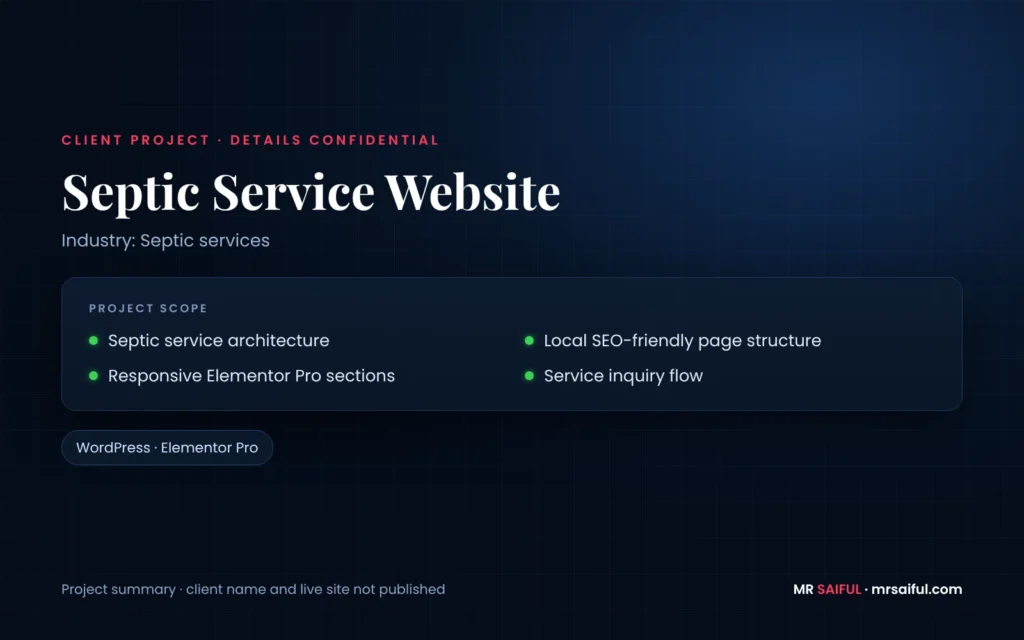
Client project · details confidential
Septic Service Website
— Septic service architecture
— Local SEO-friendly page structure
— Responsive Elementor Pro sections
— Service inquiry flow
Services / Skills
Technologies
FAQ
WordPress Maintenance FAQ
Do you maintain WordPress sites built by someone else?
Yes. I maintain existing WordPress websites built by other developers or agencies. I start with a review so I know how the site is built before changing anything.
What is included in WordPress maintenance?
WordPress core, theme and plugin updates, backups before changes, security and performance checks, form testing, broken link checks and small fixes. New pages, new features and redesign work are quoted separately.
Can you make content and design changes?
Yes. Text, images, sections and small layout changes in Elementor or Elementor Pro can be included. Larger changes are quoted before work starts.
What if an update breaks my site?
Updates are applied after a backup and then checked. If an update breaks something, it is rolled back or fixed. Where your hosting offers a staging site, larger updates can be tested there first.
Do you provide hosting?
Maintenance and hosting are separate. I can work with the hosting you already use, or help you choose WordPress hosting if you are moving.
Can you help if my site has been hacked?
I review the site, clean up what caused the problem where possible, update everything and restore from a clean backup if one exists. Depending on the damage, a security specialist or your host may also need to be involved.
How much does WordPress maintenance cost?
Pricing depends on the size of the site, how many plugins it uses, how often it needs checking and how many content changes you expect. Send me your site and I will recommend a plan.
Do you support Elementor and Elementor Pro?
Yes. Elementor and Elementor Pro are the page builder I use most, so layout problems, template issues and widget conflicts are part of the work.
Explore
Related Services
WordPress Website Redesign
When the site needs more than maintenance.
Figma to WordPress
Pixel-accurate conversion of your design files into Elementor.
Case Studies
See how projects are approached from brief to launch.
Need someone to look after your WordPress site?
Send me your website URL and what is not working or what you need changed. I will review the site and reply with a maintenance recommendation.