
Home / Web Design / Website Migration to WordPress
WordPress Migration Service
Website Migration to WordPress Without Losing Content or Rankings
Move your website from Wix, Squarespace, Webflow, Framer, Lovable or another AI builder to WordPress, rebuilt in Elementor Pro so you own it, control it and can edit every page yourself.
Overview
Wix, Squarespace and Webflow to WordPress Migration
Businesses usually move to WordPress for the same few reasons: they have outgrown a website builder, they want full ownership of their site and content, they need features or integrations the builder does not support, or they want a site their team can edit without depending on one platform.
The risk in any migration is losing what already works: pages that rank, blog posts that bring visitors, forms that bring inquiries and links other websites point to. My WordPress migration service starts by recording all of that, then rebuilds the site in WordPress and Elementor Pro and connects every old URL to its new address.
You can keep your current design, or use the move as a chance to improve it. If you want a full redesign at the same time, see my WordPress website redesign service.
Still deciding between platforms? Read WordPress vs Squarespace for a business website and Webflow vs WordPress.
Challenges
Signs It Is Time to Move to WordPress
- The website builder limits the features or integrations you need
- Monthly platform fees keep rising while flexibility does not
- You want full ownership of your site and content
- Your team finds it hard to edit pages or add new ones
Approach
How I Migrate a Website to WordPress
I start with an inventory of the current site: every page and blog post, its URL, images, forms, and any search traffic the pages already receive. That list becomes the migration plan and the redirect map.
Most website builders do not export a complete, ready-to-use site, so pages are rebuilt in Elementor Pro using reusable templates, and content is moved through the export options each platform provides where they exist, or carefully by hand where they do not. Sites generated with AI builders such as Lovable are typically React code, so the layout and content are rebuilt as normal, editable WordPress pages rather than copied as code.
Everything is built and checked on a staging site first. At launch, old URLs are redirected to their new WordPress addresses, the sitemap is submitted and Search Console is monitored for crawl errors.
Benefits
Migration Outcomes
Content moved, not lost
Pages, posts and images inventoried and checked after the move.
URLs redirected
Every old URL mapped to its new WordPress address with 301 redirects.
Full ownership
Your site, content and hosting under your control, not one platform's.
Editable in Elementor
Pages your team can update visually without touching code.
Forms reconnected
Contact and quote forms rebuilt and tested so inquiries keep arriving.
Room to grow
WordPress plugins and integrations the old builder could not support.
Included
Migration Scope
- Inventory of pages, posts, images, forms and URLs
- Redirect map from every old URL to its new address
- Page templates rebuilt in WordPress and Elementor Pro
- Content, images and metadata moved and checked
- Contact, quote and booking forms rebuilt and tested
- Blog and categories set up for future posts
- Mobile and tablet layouts checked page by page
- Sitemap submitted and Search Console monitored after launch
- Handover so your team can edit the site
Who It's For
Platforms I Migrate From: Wix, Squarespace, Webflow and More
- Wix
- Squarespace
- Webflow
- Framer
- Lovable and other AI website builders
- Static HTML and older custom-coded sites
Use Cases
Typical Migrations
Builder to WordPress
Wix, Squarespace, Webflow or Framer sites rebuilt in Elementor Pro.
AI-built site to WordPress
Lovable or other AI-generated sites turned into editable WordPress pages.
Move plus redesign
Migration combined with a new design and clearer page structure.
Process
Migration Process
Inventory
Pages, posts, URLs, forms and current search traffic recorded.
Plan
Decide what moves as-is, what improves and what retires; build the redirect map.
Rebuild
Templates and pages rebuilt in WordPress and Elementor Pro.
Move content
Content, images and metadata moved and checked on staging.
Pre-launch QA
Links, forms, redirects, metadata and mobile layouts verified.
Launch and monitor
DNS switched, sitemap submitted, Search Console monitored.
Tools
WordPress Migration Tools
- WordPress
- Elementor Pro
- Astra or Hello Elementor theme
- Yoast SEO redirects and metadata
- WooCommerce for online stores
- Google Search Console
- Google Analytics 4
Why Work With Me
Why Trust Me With a Migration
- Certified WordPress Web Designer and Developer
- 1,800+ clients and 2,000+ projects delivered
- Top Rated on Upwork with a 100% Job Success Score
- Redirects and SEO handled as part of the move, not afterwards
- Every page rebuilt in Elementor Pro so you can edit it
- Staging site first, so your live site keeps working
Portfolio
Recent WordPress Projects
Every site below is a custom WordPress website built in Elementor Pro, the same way a migrated site is rebuilt. Starting from a design file instead? See Figma to WordPress.
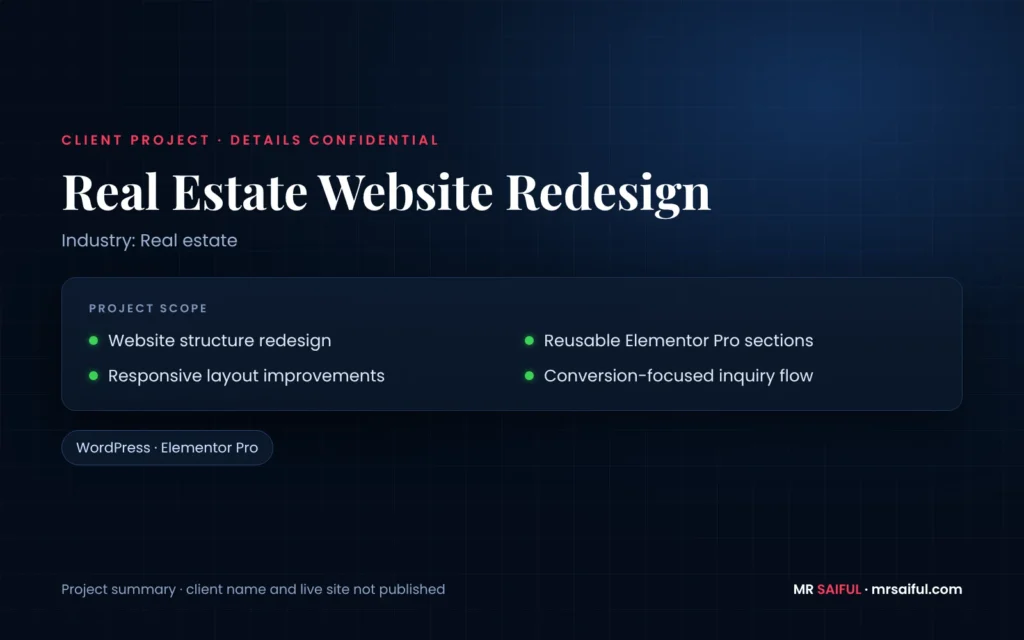
Client project · details confidential
Website Redesign
— Website structure redesign
— Reusable Elementor Pro sections
— Responsive layout improvements
— Conversion-focused inquiry flow
Services / Skills
Technologies
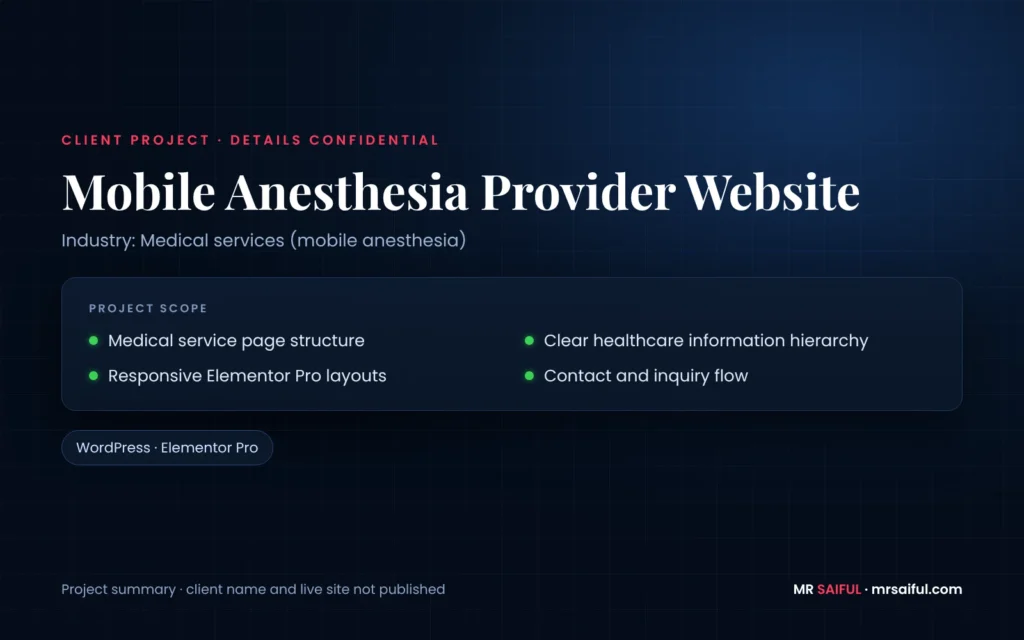
Client project · details confidential
Medical Services Website
— Medical service page structure
— Clear healthcare information hierarchy
— Responsive Elementor Pro layouts
— Contact and inquiry flow
Services / Skills
Technologies
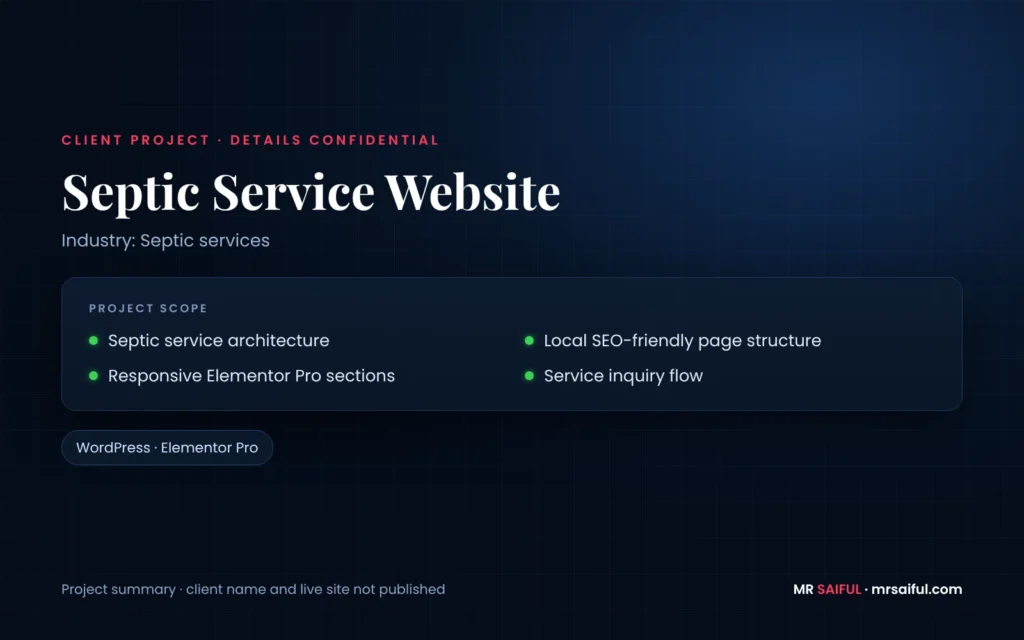
Client project · details confidential
Septic Service Website
— Septic service architecture
— Local SEO-friendly page structure
— Responsive Elementor Pro sections
— Service inquiry flow
Services / Skills
Technologies
FAQ
WordPress Migration FAQ
Will moving to WordPress hurt my Google rankings?
It can if URLs and content are handled carelessly. With a full inventory, a redirect map and post-launch monitoring, pages keep their addresses or are redirected to the closest match, which protects existing rankings.
Will my content and blog posts move across?
Yes. Your text, images and blog posts move across. Builders differ in what they let you export, so some content is moved by hand; every page is checked against the inventory before launch.
How long does a WordPress migration take?
It depends on the number of pages and posts, how much content can be exported and whether the design changes. I give you a timeline after the inventory.
Will my website go offline during the move?
Your current site stays live while the WordPress version is built and approved on staging. The switch happens at launch, so visitors do not see a half-finished site.
Do I need new hosting?
I can help you choose WordPress hosting and set it up, or move the site onto hosting you already use.
Can you convert a Lovable or AI-built website to WordPress?
Usually yes. Lovable and similar AI builders produce code rather than WordPress pages, so I rebuild the layout and content as editable Elementor Pro pages. Features that rely on a database or custom app logic are reviewed first to decide whether WordPress is the right home for them.
What happens to my forms, store and booking tools?
Forms are rebuilt in WordPress and connected to your email or CRM. Online stores can be moved to WooCommerce; booking and other third-party tools are reconnected where they offer WordPress integration.
Can you improve the design during the migration?
You can keep the current look, or improve it during the move. Many clients use the migration to fix structure and calls to action at the same time.
Explore
Related Services
WordPress Website Redesign
Redesign an existing WordPress site without losing rankings.
Figma to WordPress
Pixel-accurate conversion of your design files into Elementor.
Case Studies
See how projects are approached from brief to launch.
Planning a move to WordPress?
Send me your current website URL and the platform it runs on. I'll review what can be exported and reply with a migration plan and next steps.